Adding Members
You must be logged into your mobile app account to manage groups.
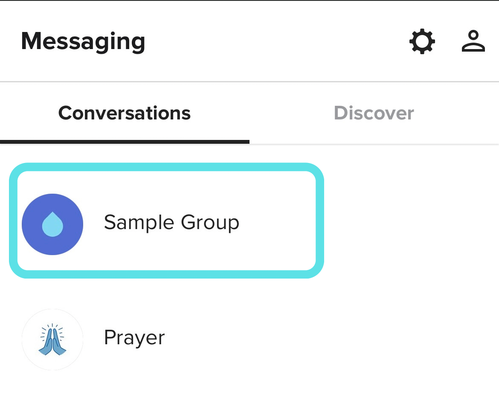
1. Select the Messaging icon in the top right corner of the app

2. Click on your group
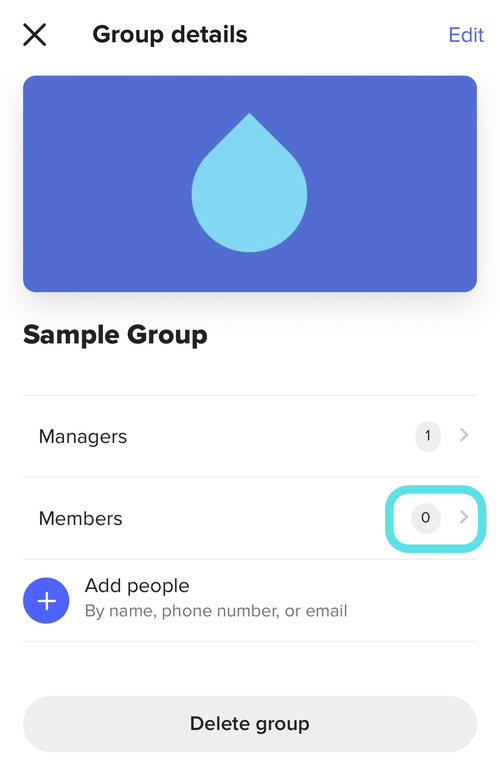
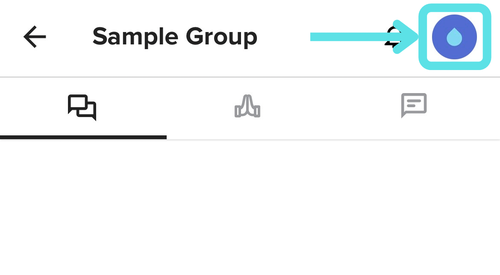
3. Tap the group icon in the top right corner to open the group details
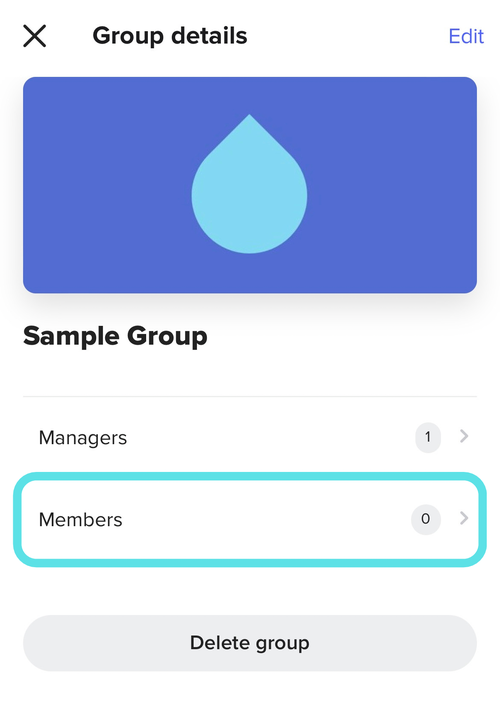
4. Select Members
5. Select + Add People
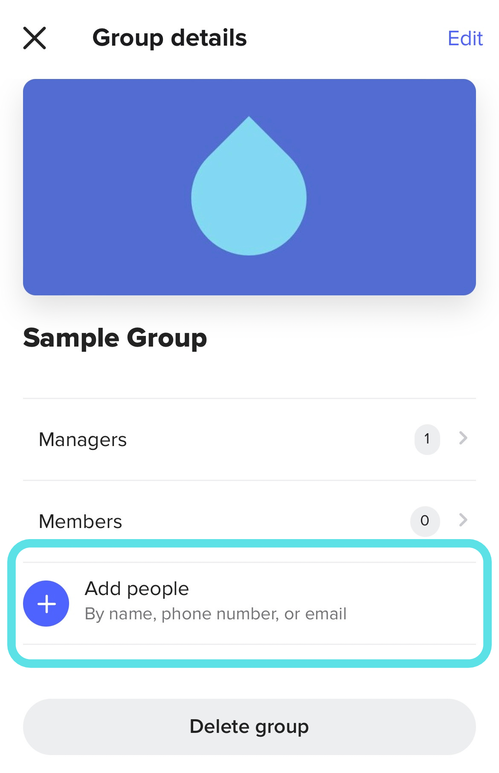
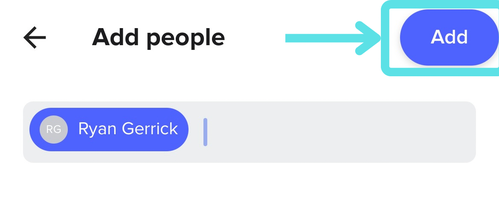
6. Search and select members, then click Add
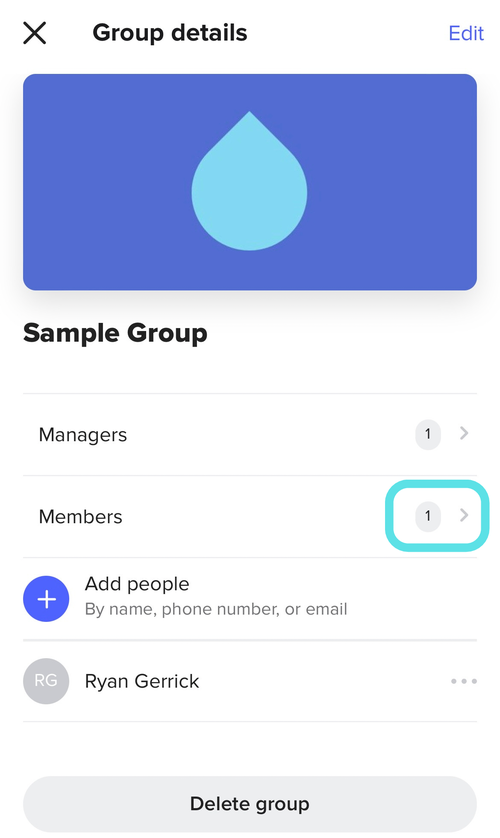
7. You will now be returned to the Group Details screen. You should see the number of group members reflect your changes as well as your members listed at the bottom of the screen.
Removing Members
You must be logged into your mobile app account to manage groups.
1. Select the Messaging icon in the top right corner of the app
2. Click on your group
3. Tap the group icon in the top right corner to open the group details
4. Select the ellipsis (...) next to the group member you wish to remove
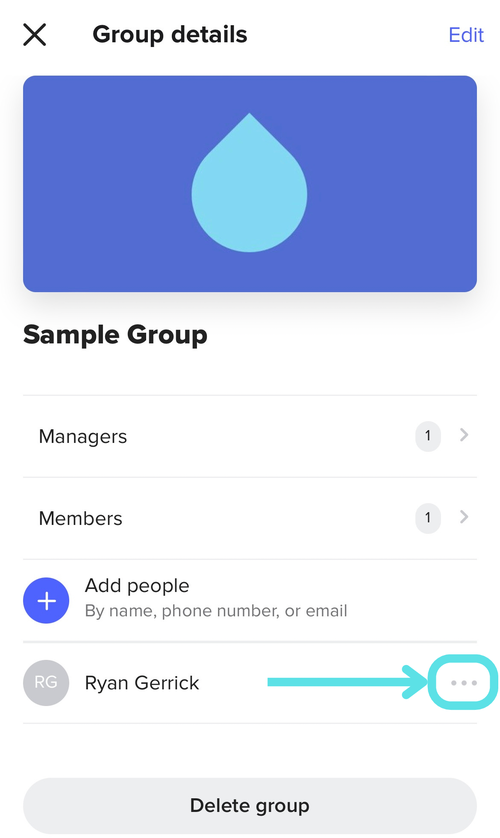
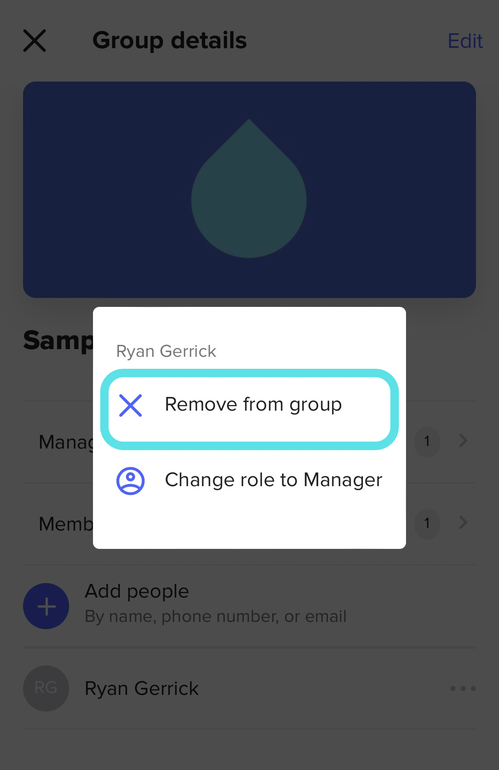
5. Select X Remove from group
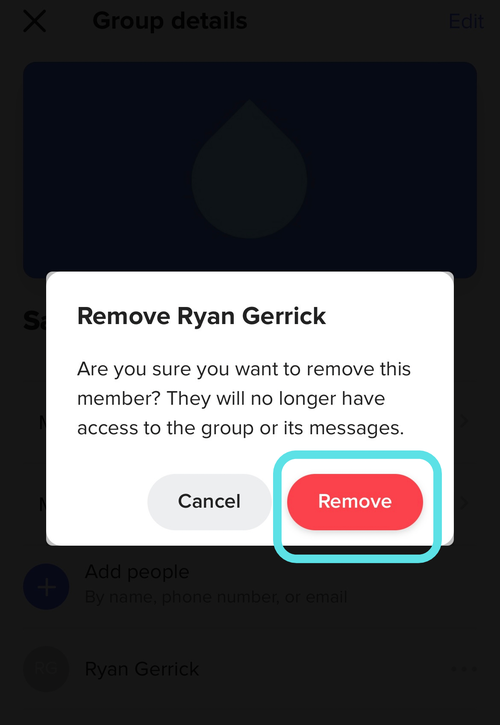
6. Tap Remove
7. You will now be returned to the Group Details screen. You should see the number of group members reflect your changes as well as your members, if any, listed at the bottom of the screen.